Keyboard Switch Sounds Explained: Ping, Clack, and Scratch
Learn to identify spring ping, top-out, bottom-out, and scratchy switch sounds, with practical ways to tune each one and listening examples from Keebpedia and tenpapaTV.
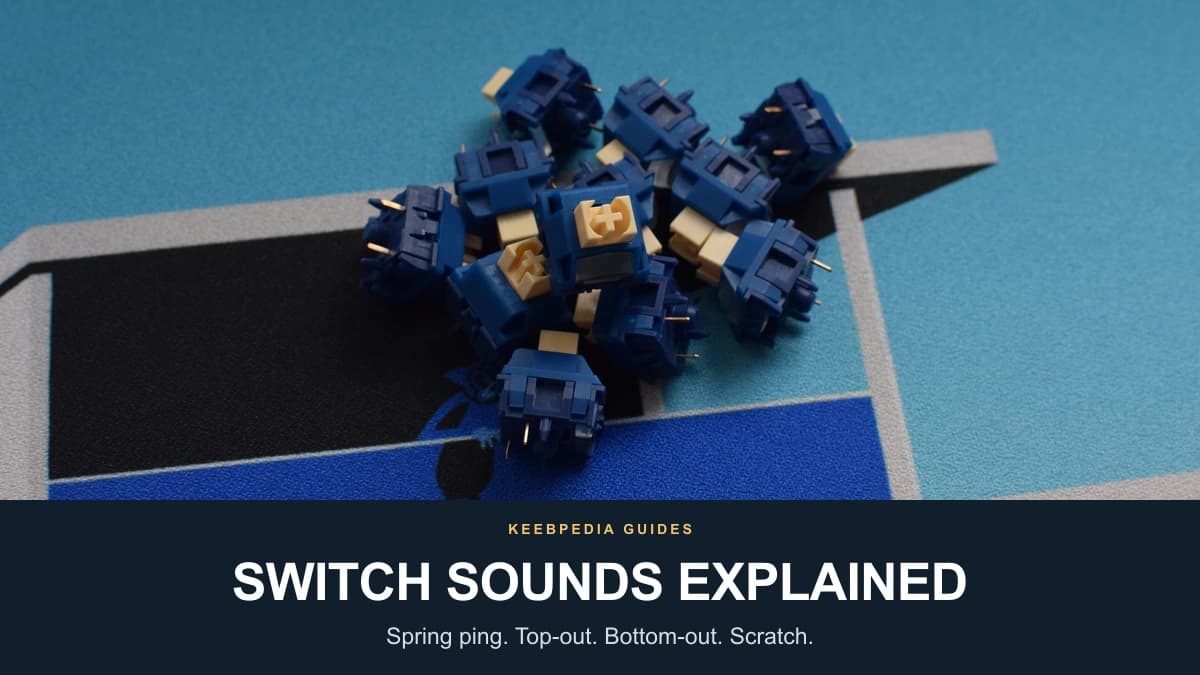
Start by separating the sounds in a keypress
A keyboard switch can make several sounds during a single press and release. The impact at the bottom, the return at the top, a faint metallic ring, and friction during movement come from different parts of the mechanism. Calling all of them ‘clack’ makes it harder to decide what to adjust.
Prepared with support from tenpapaTV, this guide includes typing samples from the channel and Keebpedia.
| Sound | When and what to listen for | First thing to check |
|---|---|---|
| Spring ping | A metallic ring or twang during or after a press or release | The spring and its lubrication; distinguish leaf or case resonance |
| Top-out | A tap or clack as the key returns to rest | The upper stop and any return-stroke dampers |
| Bottom-out | A knock or clack at the end of the press | The landing design, typing force, and impact dampers |
| Scratch | A rubbing or sandy texture while the stem moves | Sliding surfaces, fit, and existing lubrication |
These are useful listening categories, not a diagnosis from audio alone. A click mechanism, contact leaf, stabilizer, or resonant case can add other sounds.
1. Spring ping: the metallic ring inside a switch
Spring ping is the high-pitched ringing or twanging associated with the return spring vibrating as the switch moves. It can be audible on the downstroke, the upstroke, or briefly after the main impact. In a quiet room, that lingering ring can stand out more than it does during fast typing.
The Cherry Hyperglide Black sound sample starts at 6:04, the position linked in the original article within the switch sound-check section. The source article uses this as an unlubed example. Listen for a fine metallic texture behind the main impacts, while remembering that a recording alone cannot prove where every ring originates.
Spring fit, contact with its seats or guide, and lubrication can influence the noise. A ringing sound is not automatically evidence of poor quality, and not every metallic sound is spring ping. The contact leaf and keyboard case can also resonate. The result must be checked in the actual switch and board.
How to reduce spring ping
Start with one switch. A light application of suitable spring lubricant can reduce unwanted spring noise; GPL 105 at Swagkeys is an oil commonly used for that purpose. Avoid treating more lubricant as a guaranteed improvement: check the return and sound after reassembly before repeating the process across a full set.
If the spring remains noisy, a compatible replacement is another option. Compare force, free length, fit, and reliable return rather than assuming that a longer or gold-plated spring will always be quieter. The keyboard switch spring guide explains those choices. TX Switch Springs at UniKeys (affiliate link), the GEONWORKS spring collection, and Swagkeys SW Springs are examples of places to compare replacement springs.
The older Cherry recording does not describe the entire current range. Cherry documents factory lubrication, a barrel-shaped spring, and spring-centering features for MX2A Black. Check the exact model and revision rather than assuming that all Cherry switches arrive dry or sound the same.
2. Top-out: the sound when a key returns
Top-out is the impact at the end of the return stroke, when the moving stem reaches its upper stop against the top housing. It occurs as the key comes back up, not at the bottom of a press. To hear it separately, press a key slowly, pause at the bottom, and then release it.
The stem and housing geometry, their materials, the returning spring, and the rest of the keyboard all shape the sound. A firm top-out can be part of a switch’s character rather than a fault. Tight clearances or a smooth stroke do not, by themselves, establish that a switch will have a quiet return.
Lubrication may change the character, but it does not remove the upper stop. For a larger reduction, look for a silent-switch design that specifically cushions the return as well as the press. Gateron describes top and bottom cushioning in its silent designs. Check the exact switch: a quieter bottom-out does not necessarily mean an equally quiet top-out.
If experimenting with lubricant, apply a small amount only to appropriate surfaces and test the result. Excess grease can make the action sluggish. On a tactile switch, lubricant on the stem legs can also reduce the bump; the tactile switch guide explains that trade-off. GPL 205g0 at Swagkeys is a grease, with a different consistency and use from spring oil.
3. Bottom-out: the sound at the end of a press
Bottom-out is the impact when the stem reaches the end of its downward travel. In a pole-bottom-out switch, the center pole meets its stop in the bottom housing. In a rail-bottom-out design, the stem’s side rails reach their stops instead. The center pole is not the contact point in every switch.
A longer pole can reach its stop sooner in an otherwise comparable housing, concentrating the landing and sometimes creating a more distinct sound. There is no universal 13 mm boundary, and stem length alone does not determine loudness or total travel. The housing well, materials, contact shape, spring, and typing force also matter.
Pole shape is one useful comparison. GEONWORKS describes the Flat Pole version of Keygeek Raw as louder than the Round Pole version. That supports a comparison within this model, not a rule that every rounded tip is quieter than every flat tip. The linear switch guide includes photographs and further discussion of these contact designs.
How to change bottom-out sound
First decide whether the impact is a problem at all. A clear, crisp landing is part of the appeal for many typists. If the aim is less impact noise, a purpose-built silent switch with bottom-out cushioning is a more direct starting point than expecting grease to silence a hard plastic stop.
Typing more gently can reduce the energy of the landing. Keycap material, thickness and profile, the plate, mounting, and case can also change what you hear. Thick PBT keycaps are not a universal quietness upgrade: compare the actual parts in the same build.
Keycap O-rings may cushion some downstrokes, but compatibility and feel depend on the keycap and switch. They can shorten usable travel or change the landing, and they do not generally address the stem’s return impact. Likewise, choosing a non-long-pole switch does not guarantee a quiet board.
4. Scratch: the texture during switch travel
Scratch is the rubbing or sandy sound produced during movement, rather than a single impact at either end. It can accompany a textured feel as the stem slides against its guidance surfaces and interacts with the contact mechanism. Surface finish, fit, materials, and lubricant placement all contribute.
For listening examples, try the Vintage Brown typing sample and the lubed Cherry HG Black typing sample from Keebpedia. Listen for a fine rubbing texture between the main impacts. The HG Black recording uses Krytox 205g0 on the switches and GPL 105 on the replacement springs, so it also offers a reference for texture in a lubed setup. Compare the character rather than treating these different builds as a controlled loudness ranking.
Scratch does not automatically mean that the materials are incompatible or that the switch is defective. Some typists enjoy a dry, textured stroke. Others prefer a smoother one. Factory-lubed and unlubed labels are useful starting points, but they do not specify how every individual switch will feel.
Lubrication, break-in, and choosing a different switch
For friction noise, the relevant surfaces are the moving stem and its guides, not simply the spring. A thin, even application of appropriate switch lubricant can help, but it cannot guarantee removal of every texture or repair a damaged surface. Adding spring oil alone is mainly a spring-noise treatment, not a complete scratch remedy.
Take particular care with tactile stem legs: changing friction where the bump meets the leaf can change the feel you were trying to preserve. Test a small number first, and compare them with an untouched sample. A smooth switch does not need to be relubed simply because lubricant is available.
Broken-in switches have been cycled repeatedly to wear in the contact surfaces before sale. The broken-in Nixie example from Keebpedia starts at 0:13. It uses lubed RNDKBD Broken-in Nixie switches with replacement springs, so the recording reflects the complete setup rather than break-in alone. RNDKBD Whipped Creams provide another supplier example. Processing method and the starting switch matter; a large cycle count is not a universal smoothness score or a guarantee that all scratch disappears.
If the stock texture is not enjoyable, trying a few other switches may be more useful than repeatedly adding grease. Compare samples with the same keycap and keyboard. The goal is a sound and feel you like, which can include a little texture.
Bonus: when the sound comes from the stabilizer
A noisy Space, Enter, Backspace, or Shift key may need a stabilizer check rather than a switch change. Stabilizers add a wire and extra moving parts, so a rattle, tick, or sticky return can have a different cause from the sounds described above.
Listen at each end of the key and near the center. Rattle or ticking can involve wire fit, wire balance, mounting, or lubrication. Check seating and mechanical fit before adding more lubricant; grease is one tuning tool, not a cure for every loose or misaligned part.
A sluggish or sticky return can follow excessive or misplaced lubricant, but it can also come from binding or a warped keycap. Remove excess where appropriate and check the components individually. If the keycap or assembly is the cause, changing the switch alone will not resolve it.
A practical listening and tuning checklist
- Press slowly, pause at the bottom, and release. Separate the downstroke impact from the return impact.
- Listen for a lingering metallic ring and for rubbing during travel. Do not assume every unwanted sound comes from the spring.
- Compare a normal 1u key with a stabilized key. Check whether the sound follows the switch, the keycap, or the larger assembly.
- Change one thing on a small sample, retain an untouched reference, and check both sound and reliable return before modifying the whole set.
- Use recordings to learn the vocabulary, then compare in the keyboard you will actually use. Keep the sounds you enjoy.