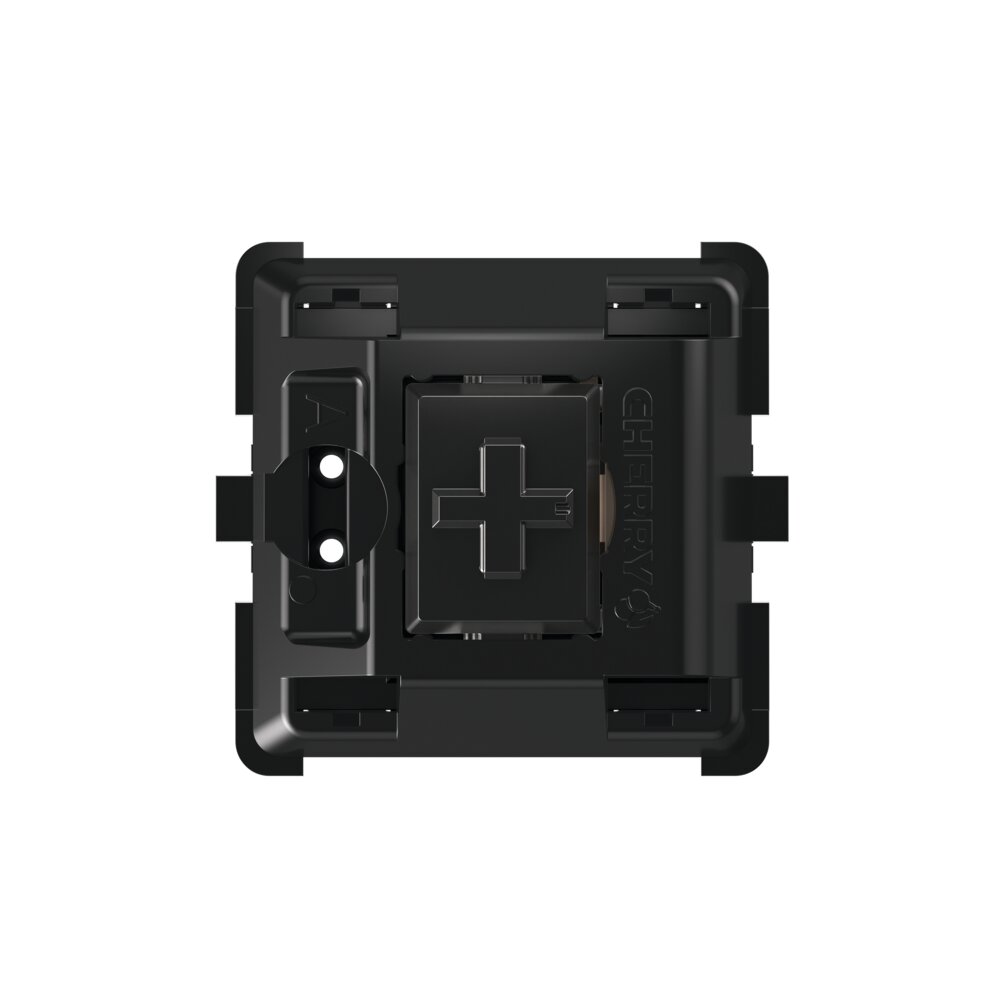
Cherry MX Black Switches: Hyperglide, Ultraglide & MX2A Compared
Hear Hyperglide, RNDKBD’s broken-in Ultraglide, and MX2A Black in the same keyboard. See how stem wobble compares and how Cherry MX Black feels alongside the lighter MX Red.
What Are Cherry MX Black Switches?
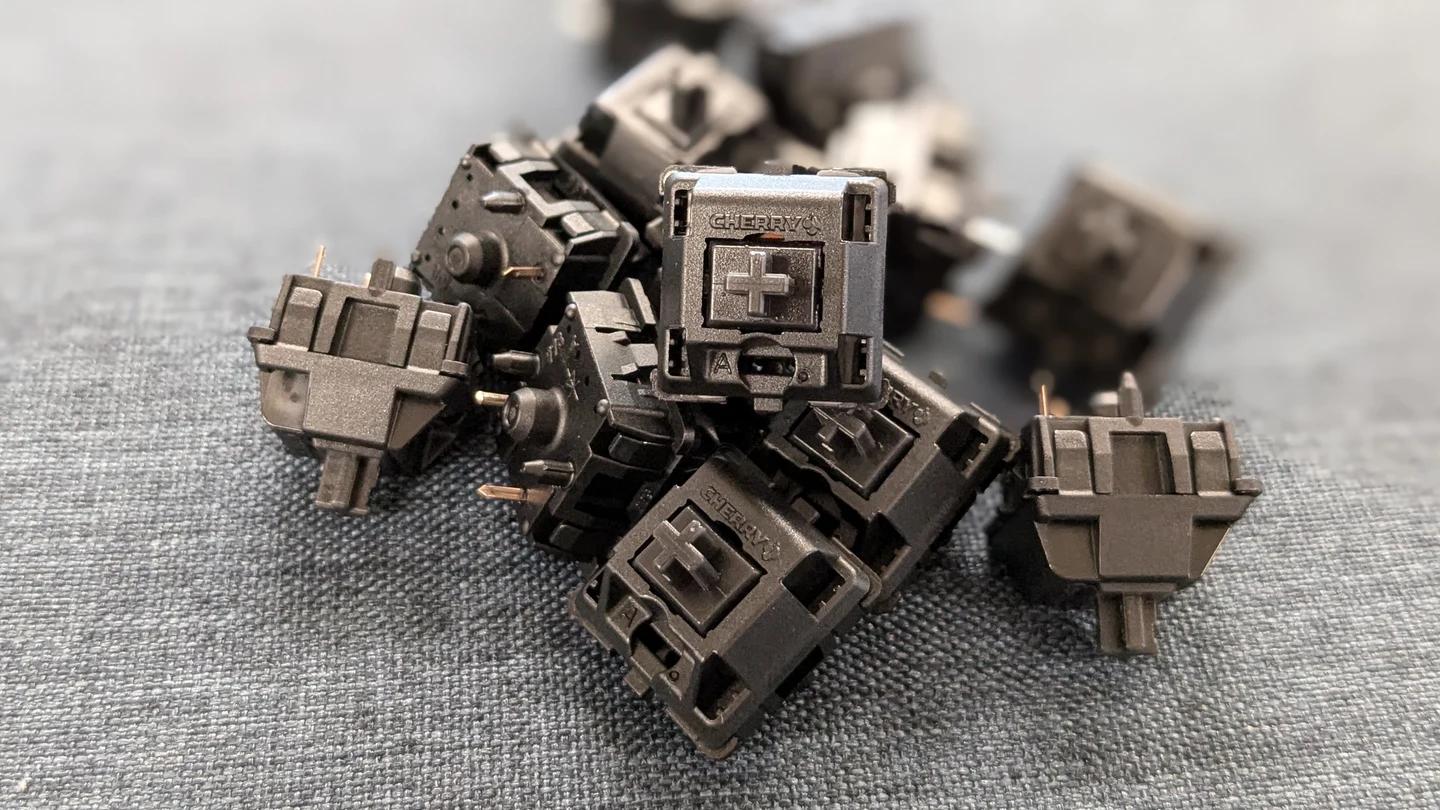
Cherry MX Black switches are heavy linear switches. The spring gives you resistance as the key moves, and the stroke has no tactile bump or click mechanism. On the standard MX2A Black, the key registers about 2.0 mm into its 4.0 mm travel, at a nominal 60 cN of force.
The extra resistance is part of the appeal. If you like a key that takes a more deliberate press, MX Black gives you that feeling while keeping the uninterrupted travel of a linear switch. If your fingers prefer a lighter touch over a long typing session, MX Red offers the same travel with a lighter spring. Our linear switch guide explains how the spring, stem, and housing shape the stroke.
Cherry MX Black vs. Red
Black and Red feel closely related when you compare the same generation. Both standard MX2A models have a linear stroke and register at the same nominal depth. The difference you’ll feel most clearly is spring resistance: Black takes 15 cN more force at the actuation point.
Try the two weights where you spend the most time. On a letter key, notice how much effort repeated presses take. On a key where you rest a finger, see how readily it registers under light pressure. The keyboard switch springs guide explains how spring weight and shape affect the rest of the stroke.
| Specification | MX2A Black | MX2A Red |
|---|---|---|
| Switch type | Linear | Linear |
| Actuation force | 60 cN | 45 cN |
| Pre-travel | 2.0 mm | 2.0 mm |
| Total travel | 4.0 mm | 4.0 mm |
| Stem color | Black | Red |
Actuation force is measured where the key registers. Bottom-out is the end of the stroke.
Cherry MX Black Sound Test: Hyperglide, Ultraglide, and MX2A
Hyperglide was Cherry’s 2020 update to several MX switches, including Black and Red. Cherry enlarged the stem’s sliding surface and paired it with eight guide rails in the upper housing. RNDKBD’s Hyperglide-based Ultraglide starts with the Cherry MX Hyperglide Black and adds a mechanical break-in process. A machine presses each switch repeatedly to wear in the surfaces that slide against one another.
Listen for the faint scraping sound between the sharper keystroke sounds. In this recording, that scratch is less audible on Ultraglide than on Hyperglide. Both still have a bright, clattery edge as you type. If that sound stands out to you, you may prefer the less clattery sound of MX2A Black in this build.
All three typing samples use a Mikeneko65 with Signature Plastics DCS keycaps, an O-ring mount, and no foam. Use the timestamps to jump to each sample or the two stem wobble clips on YouTube. Our keyboard switch sound guide has more examples of scratch and other typing sounds.
MX2A Black vs. Hyperglide: Stem Wobble
The standard MX2A Black keeps the 60 cN actuation and full 4.0 mm travel. Cherry applies lubricant at the factory and uses a barrel-shaped spring, a stem that helps center the spring, and polished guide surfaces. These changes are designed to reduce friction and spring noise while preserving the heavier stroke.
Stem wobble is how far the stem shifts side to side or front to back. Watch the movement relative to the housing in the 1:55 Hyperglide Black stem wobble and 2:25 MX2A Black stem wobble chapters. The MX2A stem moves visibly less than the Hyperglide stem in the switches shown. That difference can make a key feel steadier when you press it off-center.