ZSA launches the Wireless Voyager for $429
The 52-key split keyboard adds Bluetooth and replaceable batteries while keeping QMK and Oryx. The wired Voyager Classic cannot be converted to the new wireless model.
Announcement date: November 24, 2026
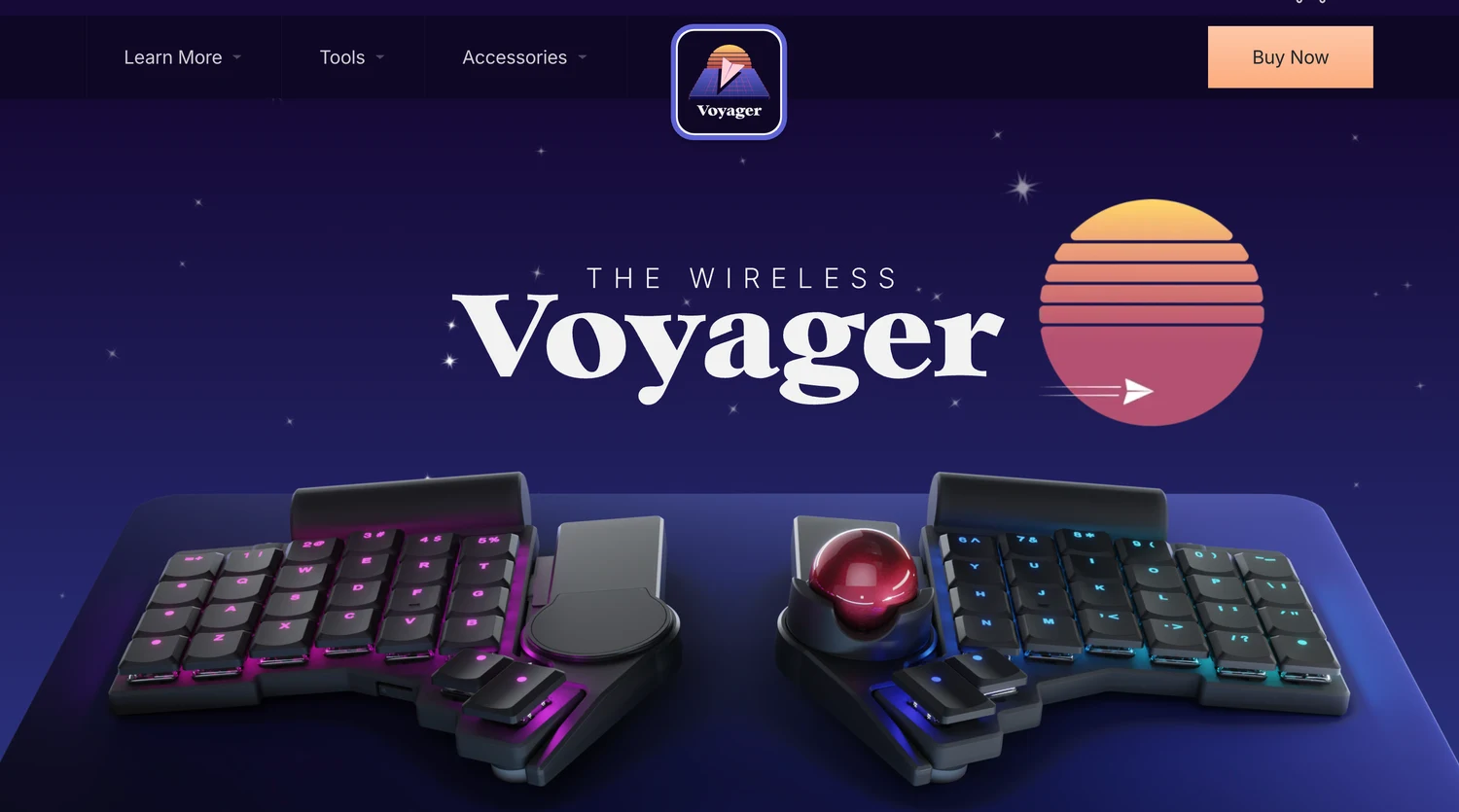
ZSA has released the Wireless Voyager, a Bluetooth version of its low-profile, 52-key split ergonomic keyboard. The keyboard costs US$429 with shipping included. ZSA’s store lists it in stock and gives a two-week shipping estimate at launch.
The new model pairs with up to five Bluetooth devices and keeps open-source QMK firmware and ZSA’s Oryx layout editor. It also supports wired use over USB-C with a TRRS cable connecting the halves.
What going wireless changes on the desk
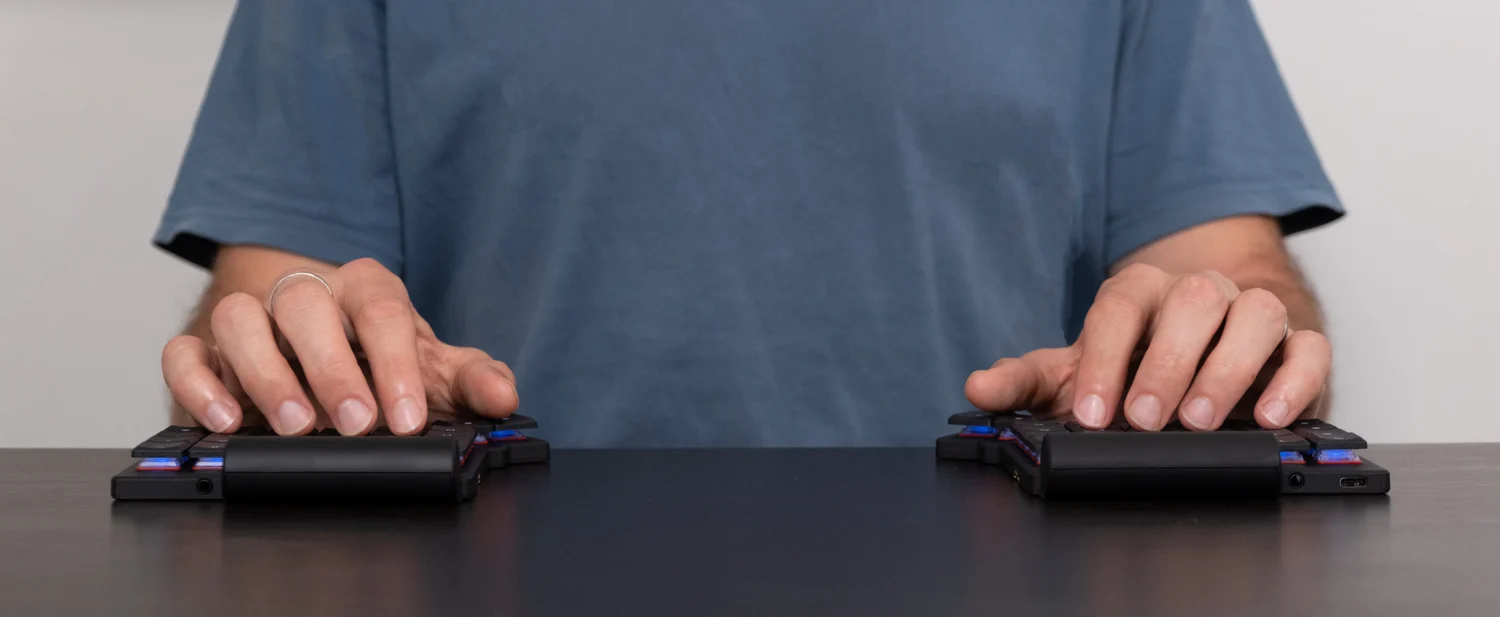
In Keebpedia’s time with the wired Voyager, routing two cables was one of the small hassles of setting up: USB-C from the computer and TRRS between the halves. In Bluetooth mode, the Wireless Voyager clears both cables from the desk. That leaves more room for a notebook or pointing device between the halves and makes it easier to reposition either half without rerouting cables.
Can you make the original Voyager wireless?
The original wired model, now called Voyager Classic, cannot be converted to the Wireless Voyager. Bluetooth requires the radio and battery hardware built into the new model, and ZSA has not announced a conversion kit for the Classic.
If you move to the Wireless Voyager, Oryx can transfer your existing layout. ZSA also says the new model works with existing wired Navigator trackball and trackpad modules through TRRS. The newer Navigator housings connect through magnetic contacts.
For a closer look at the 52-key layout and what it’s like to use, see Keebpedia’s hands-on review of the original wired Voyager.
Battery life and replacement
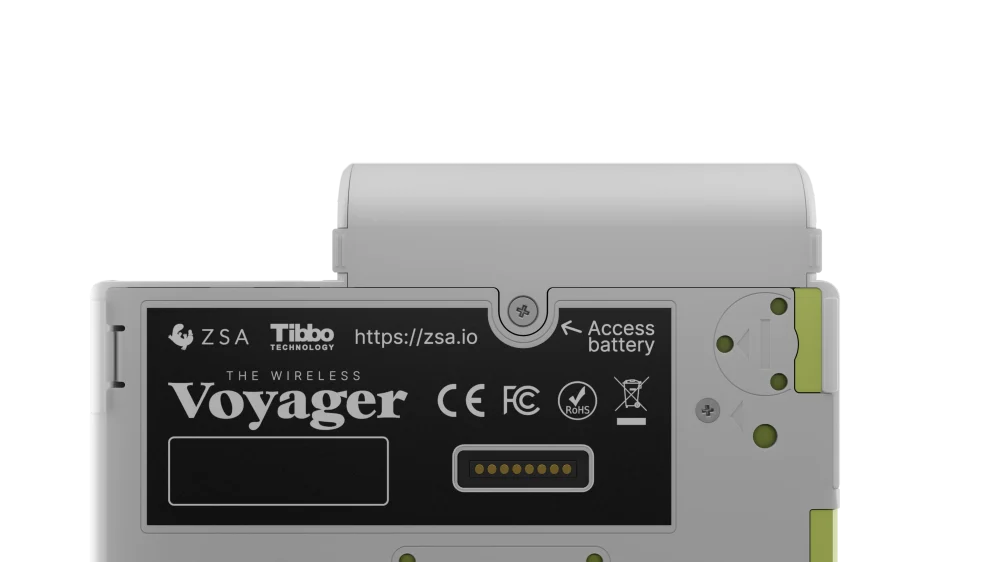
Each half ships with a rechargeable 18650 cell. A single Phillips screw opens each battery compartment, so replacing a worn cell requires no soldering.
ZSA estimates 30 typical working days with the lighting off and no pointing modules attached, or seven with full RGB lighting and two Navigators installed. Both figures assume a full charge on both halves and everyday typing.
Wireless range and connection stability
ZSA measured up to 7 m (about 23 ft) between the keyboard and its paired computer or other host device. ZSA says range varies with the host, physical obstacles and radio interference. The company’s FAQ gives no maximum distance between the left and right halves.
Keebpedia has used the wired Voyager Classic. Connection stability and practical range on the Wireless Voyager remain untested by Keebpedia.
Optional Navigator trackball and trackpad
The optional Navigator adds a trackball or multitouch trackpad directly to the keyboard. ZSA’s store lists the complete bundle with both modules for US$699.