How to Choose a Keyboard You Can Keep for 10 or 20 Years — Replacement PCBs, USB Ports, and Batteries
Here’s what I look for in a keyboard I plan to keep, from spare PCBs and replaceable USB ports to firmware, wear parts, and a maker’s history of support.
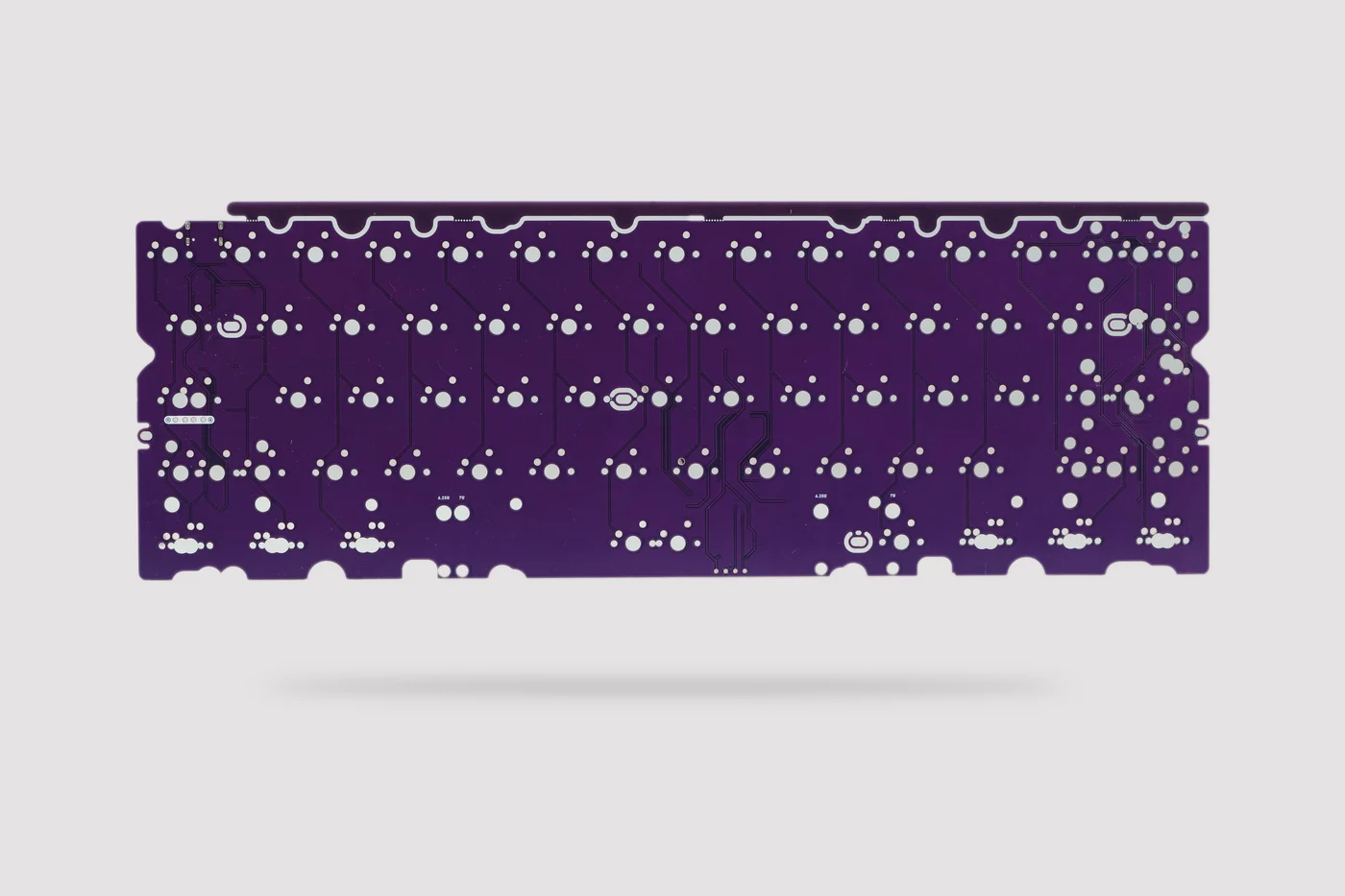
What I check before buying a keyboard for the long haul
When a keyboard I like wears out, I want to know what it would take to keep it on my desk. These are the nine things I look at before buying a board I hope to use for 10 or 20 years.
| What to assess | What to look for |
|---|---|
| Replacement PCB | A documented fit for the exact case revision |
| Firmware | Downloadable firmware and a way to restore the keymap |
| USB port | A port on a separately replaceable board |
| Battery | A replaceable cell and a wired fallback |
| Design files | Files and a license that allow making spares |
| Wear parts | Known sizes or part numbers for consumables |
| Disassembly | Access with ordinary tools |
| Community and suppliers | Help and parts from more than one source |
| Maker’s track record | Years of keyboard releases and support for older models |
For wired-only keyboards, skip the battery check.
1. Can I find a replacement PCB?
Mechlovin’ makes ZED60 variants for the SINGAKBD Unikorn R1 and R2. That gives me another place to look if the original PCB fails. The two versions take different connections, so I’d start with the exact case revision.
Enter the case name in the Mechlovin’ PCB compatibility checker. If there’s no exact match, filter by layout, then confirm the fit with the PCB maker’s documentation.
| Keyboard | PCB to look for | Check before ordering |
|---|---|---|
| SINGAKBD Unikorn R1 | ZED60 solder | Onboard USB-C |
| SINGAKBD Unikorn R2 | ZED60 solder | JST-SH option for the R2 case cutout |
| TGR Jane ME | Infinity 87 / 88 Hotswap | PCB revision. Earlier versions had fit issues. |
| GEON Frog Mini | H60, COMMON60, DZ60 | Exact variant and layout |
| GEON Frog TKL | Infinity 87.5 | Case version and F12 / F13 layout |
Check stock for the exact variant before ordering. Mechlovin’ lists the older stock Kay60 as discontinued.
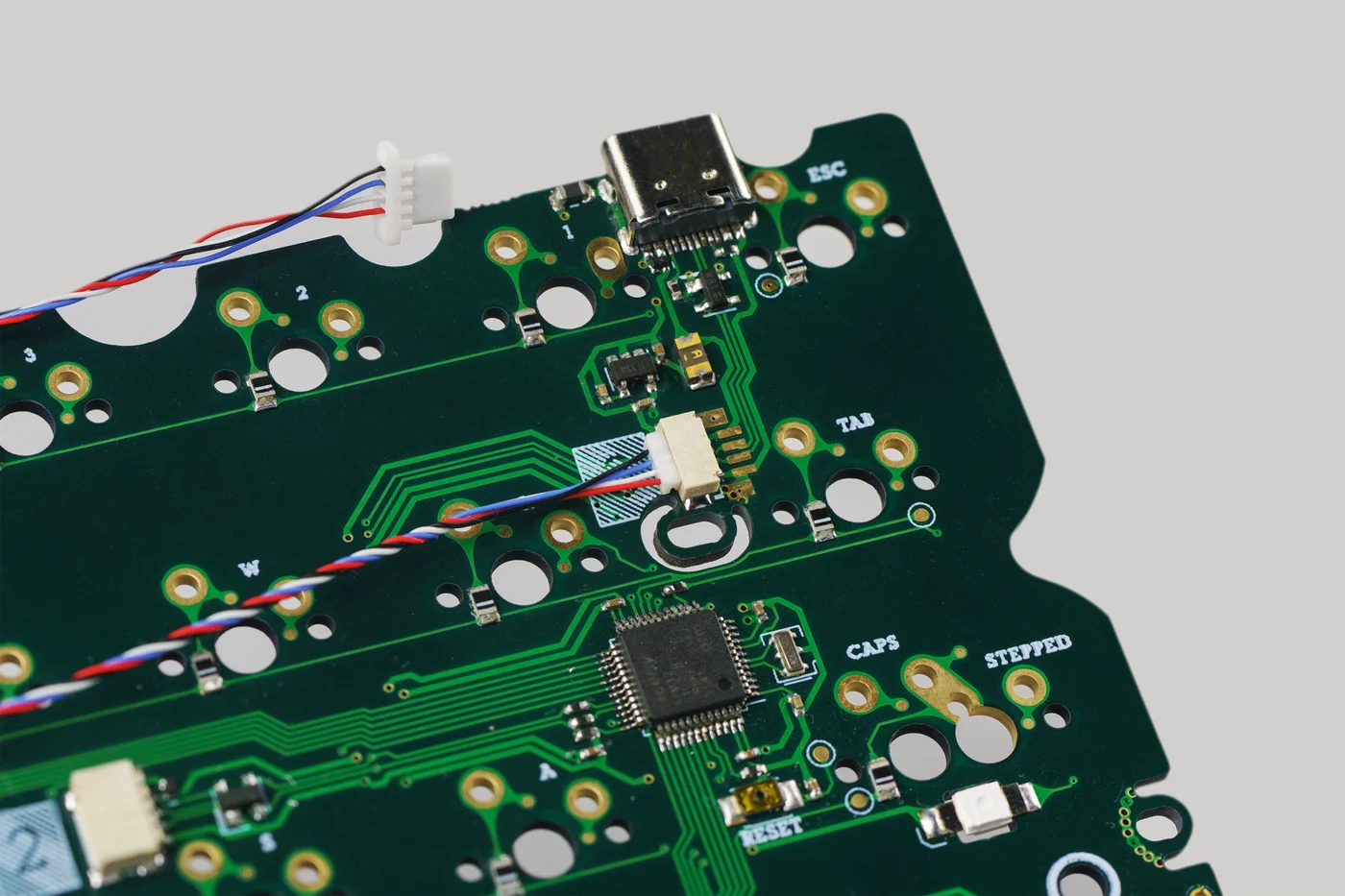
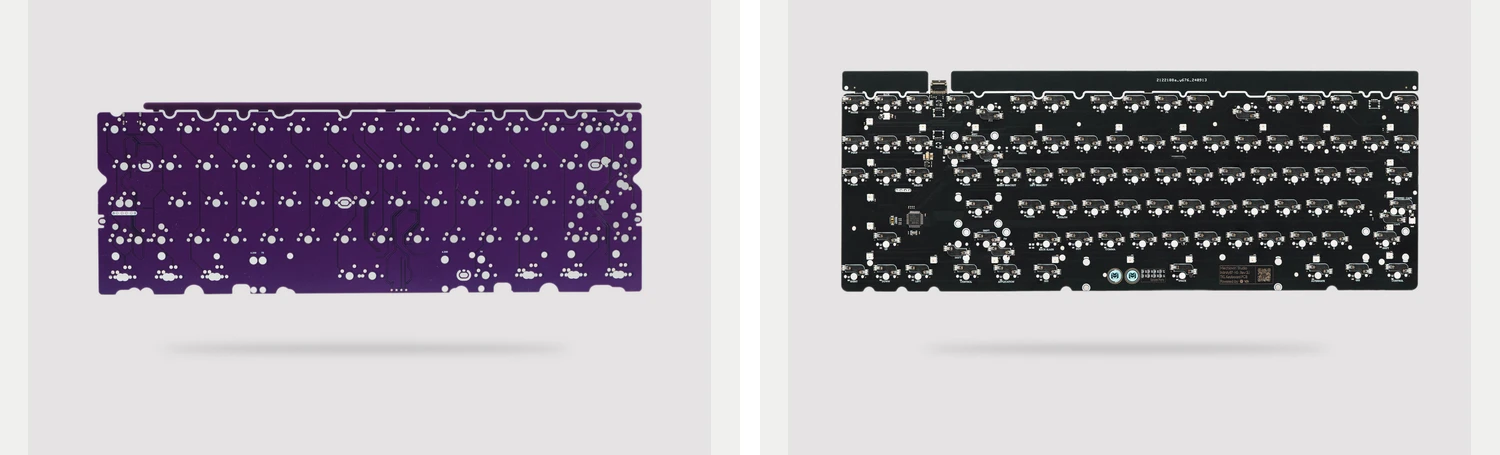
What to match on the old and new PCB
Compare the outline, mounting points, and thickness first. Then check the connector location, clearance underneath, and where the plate and stabilizers expect the switches to sit.
2. Can I restore the firmware and keymap?
I save the firmware and recovery instructions for the exact PCB revision. For a Hall effect keyboard, I also check whether I can change actuation and Rapid Trigger or recalibrate after swapping switches if the configurator becomes unavailable.
| Tool | What to save or check |
|---|---|
| QMK | Save the board-specific source or compiled firmware and flashing instructions. |
| ZMK | Keep the keymap, build configuration, and firmware for your hardware. |
| VIA | Save the keymap export and the board’s JSON definition if you need one. |
| Proprietary desktop app | Keep the installer. Check which OS versions it supports. |
| Proprietary web app | Check what can be configured if the hosted tool goes offline. |
| Cloud login required | Check which settings require an active account or service. |
3. Can I replace the USB port on its own?
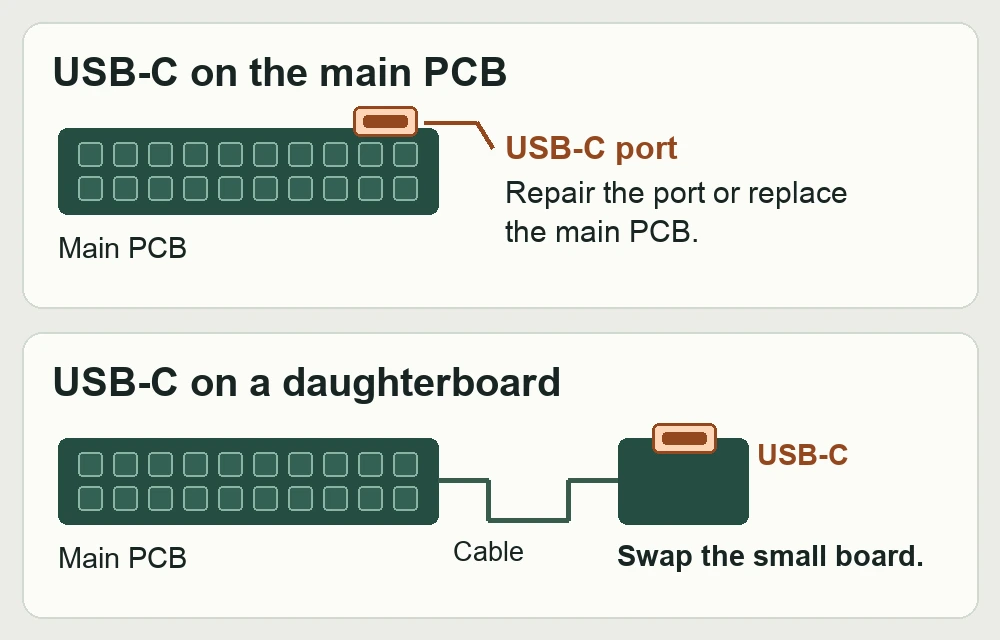
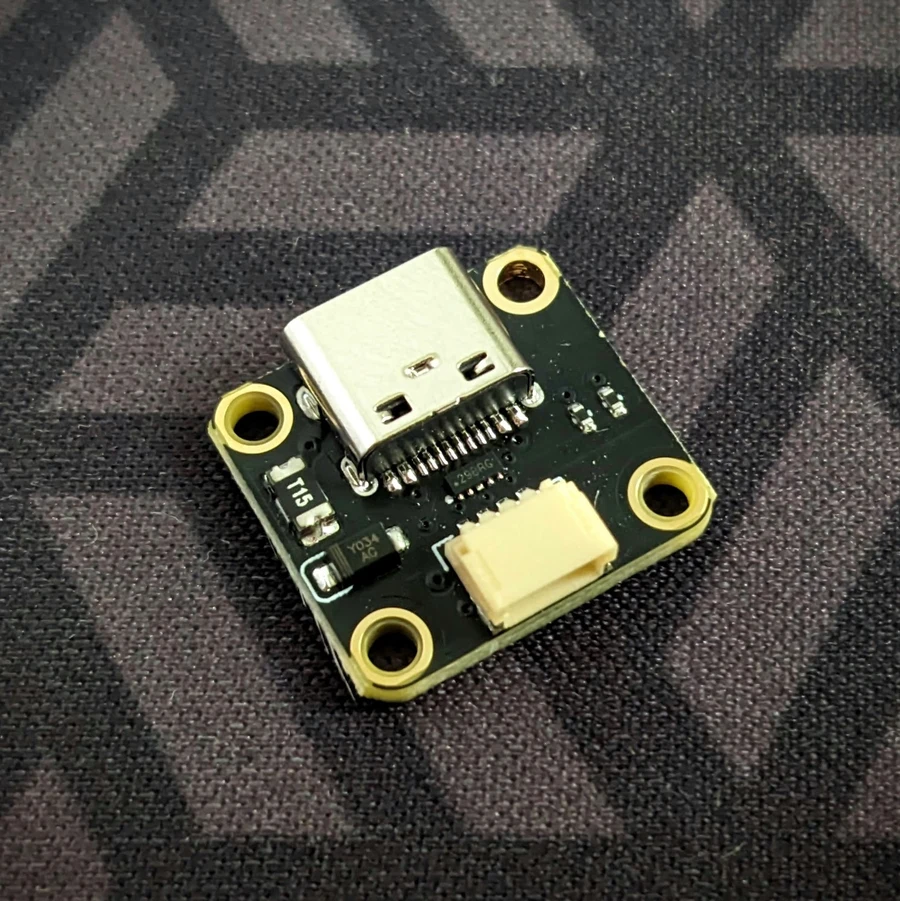
A separate USB daughterboard can let me replace a damaged port while keeping the main PCB and switches. With a Unified Daughterboard, I still check the mount, port position, internal connector, and pinout.
4. Can I replace the battery and keep typing while I wait?
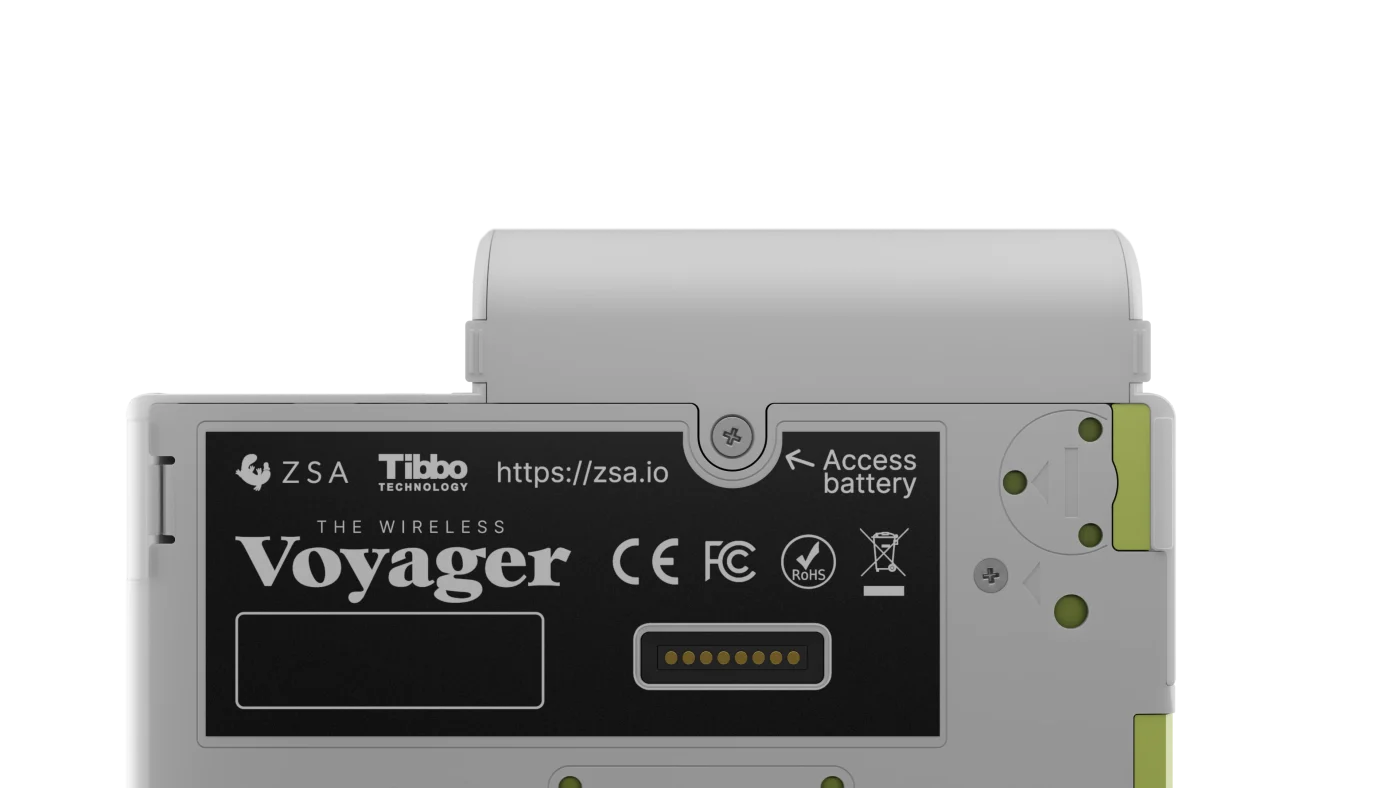
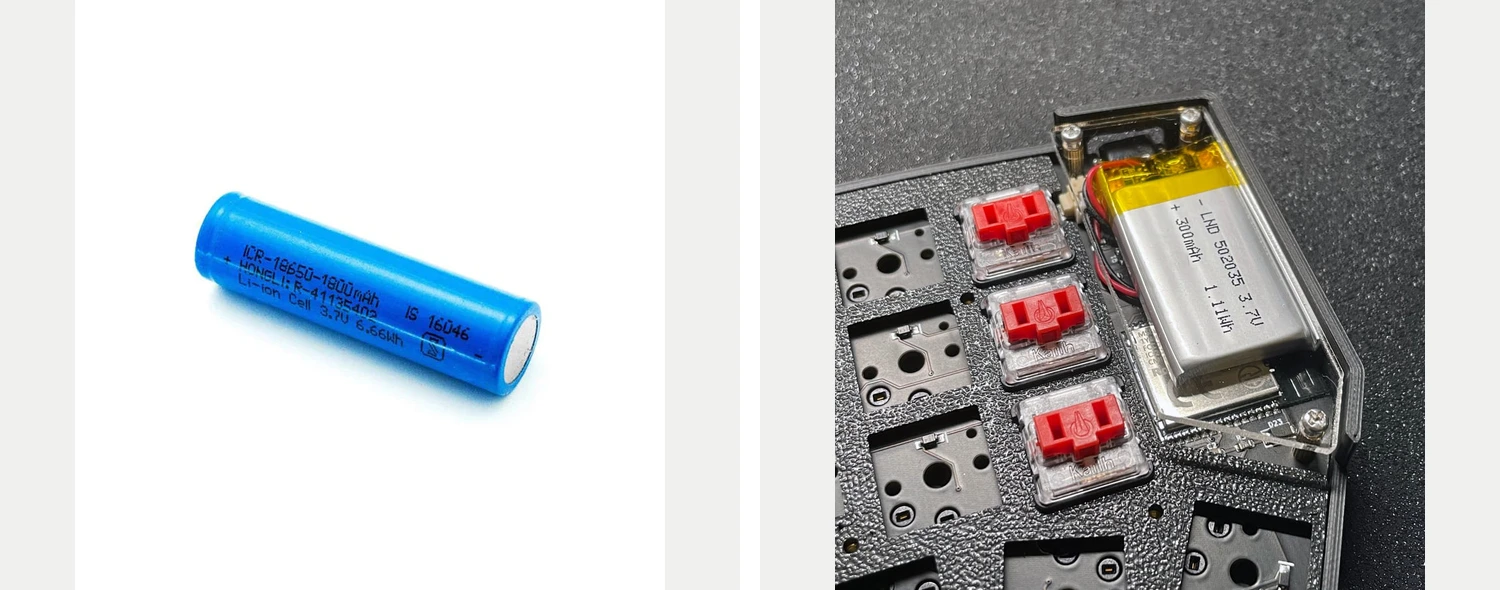
ZSA’s Wireless Voyager uses one replaceable 18650 cell per half, accessible behind a single Phillips screw. With the cells removed, it still works over USB with the halves linked by TRRS. The Wireless Voyager launch report shows the rest of the design.
5. Could someone make another part?
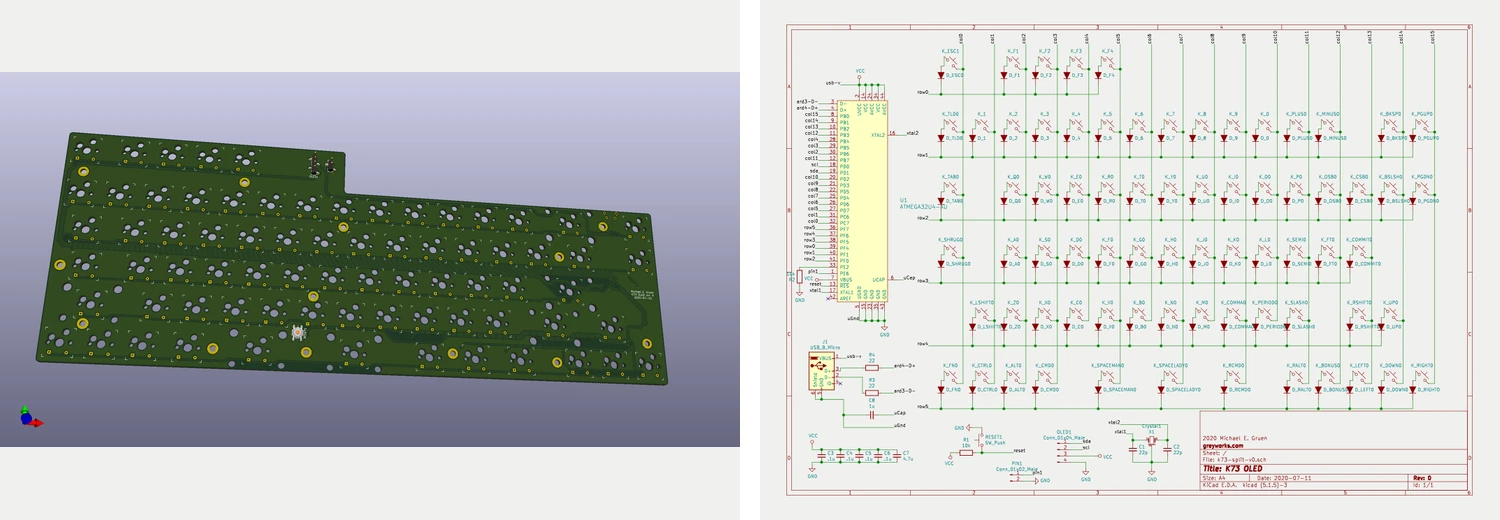
SINGAKBD publishes plate files for models including the Kohaku. A plate file can help a machinist make a new plate. To recreate a working PCB, I’d look for manufacturing files, a parts list, and firmware. I also check what the license allows.
Search the Keyboard Plate Collection by brand, model, or filename. Before ordering a cut plate, verify the drawing’s revision, layout, and license with the original publisher.
6. Are the wear parts easy to replace?
For an O-ring mount, write down the inner diameter, cross-section, and hardness. For a custom-shaped gasket, check whether the maker sells a spare.
GraveShift’s O-ring shop sells replacement mounting rings. Check the fit chart for your keyboard and stabilizers. For the Unikorn, GraveShift lists size M for snap-in stabilizers and recommends size S if either the Backspace or Spacebar stabilizer is screw-in.
| Part | What can go wrong |
|---|---|
| O-rings | Harden or crack |
| Gaskets | Compress or lose rebound |
| PORON foam | Deteriorates with age |
| Feet | Peel off or go missing |
| Screws | Strip or go missing |
| Internal cables | Break or develop damaged connectors |
| Ball-catch hardware | Wears or develops a broken spring |
| Magnets | Come loose or corrode |
7. Can I get to the failed part?
I look at the disassembly guide before buying. Can I reach the USB board or battery with a screwdriver, and can I unplug the internal cable without pulling apart the rest of the build? For a soldered PCB, I also factor in desoldering if I want to reuse the switches.
8. Who else can help keep it running?
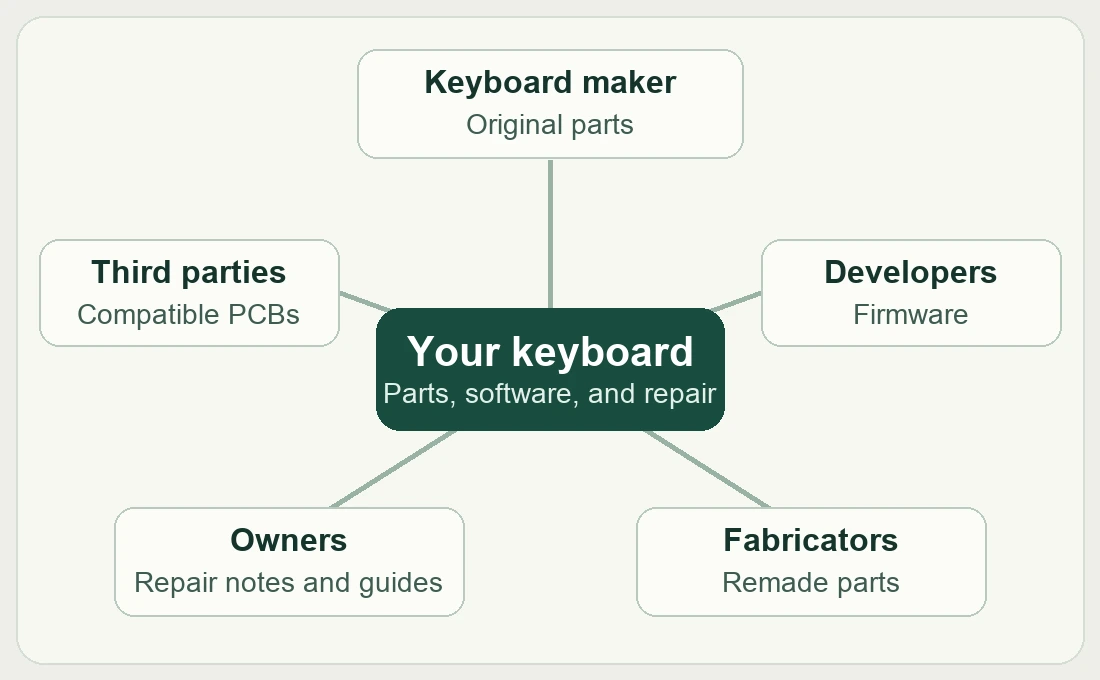
GEON’s compatibility list names PCBs from several makers for the Frog Mini. I can look across those options and use the build documentation to check fit. A community build guide, shared by someone with the same revision, can also show what fits in practice.
9. How long has the maker been supporting keyboards?
A longer track record gives me more history to look at. PFU launched HHKB in December 1996, nearly 30 years ago as of November 2026. Merisi Works documents a public group buy for the Sessantacinque in late 2020, about six years of visible keyboard history.
I’d still check the exact model. PFU lists support for the HHKB Professional JP as ended. Mechlovin’ documents the PCB it designed for the Merisi 500C and links to firmware and a VIA definition. When I’m choosing a board to keep, I want to see what support the maker has provided over time and what I can buy or download for the model today.